Google Gemini in Architecture: 1-Second Project – One-Touch Gemini
Google Gemini in Architecture: The “1-Second Project” Workflow
The architectural landscape is shifting from hours of manual texture mapping to near-instant visualization. The “1-Second Project”—often referred to as One-Touch Gemini—is a streamlined workflow using Google Gemini’s multimodal capabilities to transform a simple Marble PNG texture into fully realized architectural spaces.
By leveraging Gemini’s ability to understand material properties and spatial context, you can move from a raw texture file to a professional render of a bathroom, kitchen, or commercial lobby in seconds.
Phase 1: Preparing Your “One-Touch” Assets
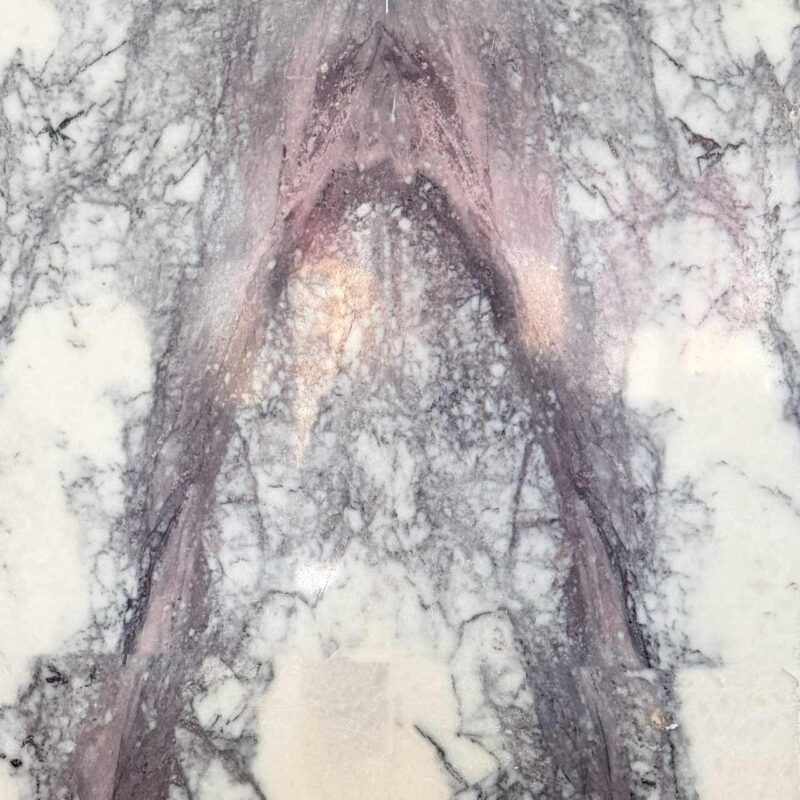
To achieve the 1-second result, your input must be high-quality. The core of this workflow is the Marble PNG Texture.
-
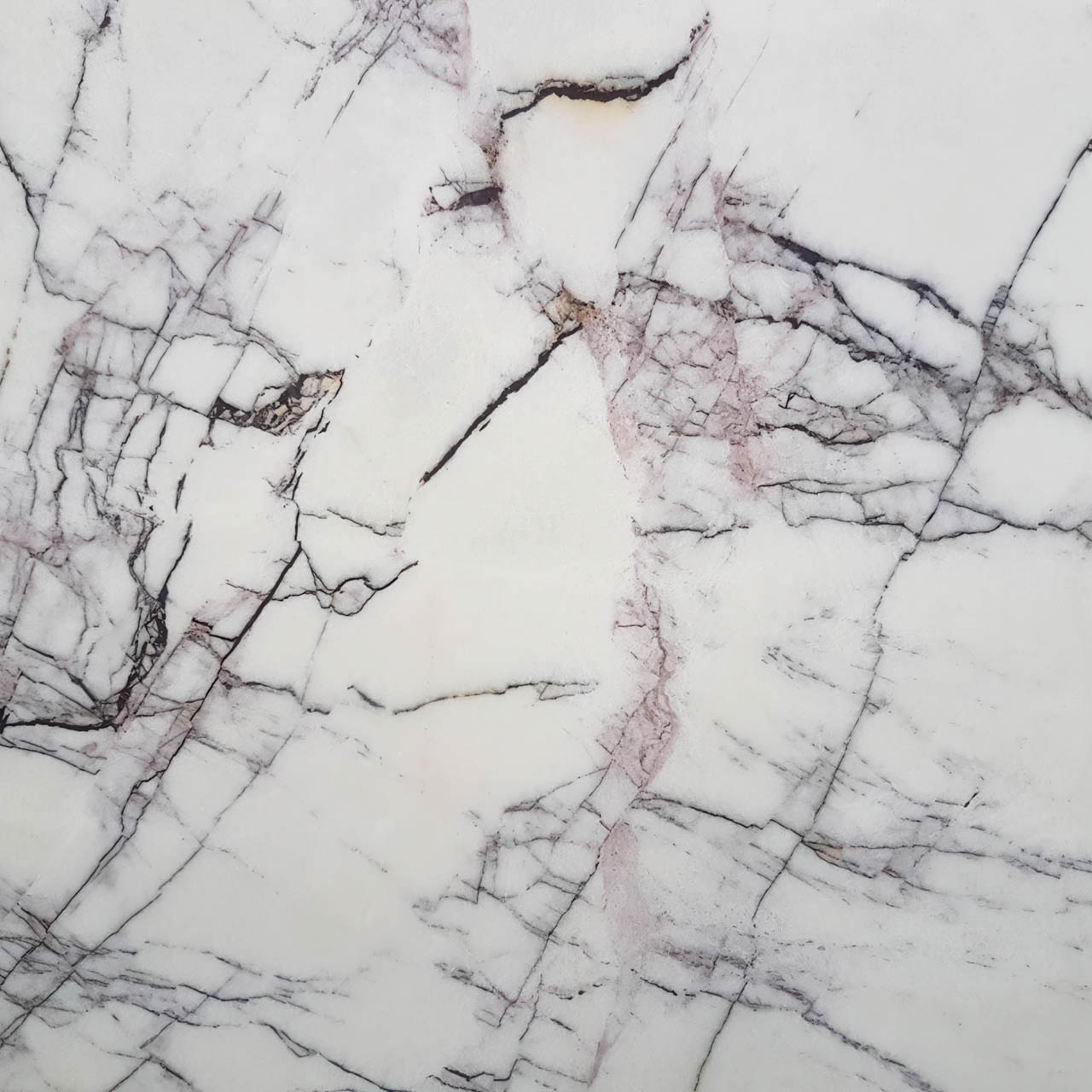
The Texture: Use a high-resolution (4K) PNG of a marble slab (e.g., Milas Lilac, Milas Pearl, Mugla White, Calacatta Gold, Nero Marquina, or Carrara).
-
The Prompting Strategy: You aren’t just “showing” the image; you are instructing Gemini to “extrapolate” a world from it.
Phase 2: Building the Projects (The Workflow)
1. The Luxury Bathroom
In this scenario, Gemini uses the marble texture as the primary skin for wet areas.
-
The Action: Upload the PNG and prompt: “Generate a photorealistic luxury master bathroom using this marble texture for the walk-in shower walls and double vanity. Incorporate brushed gold fixtures and soft recessed lighting.”
-
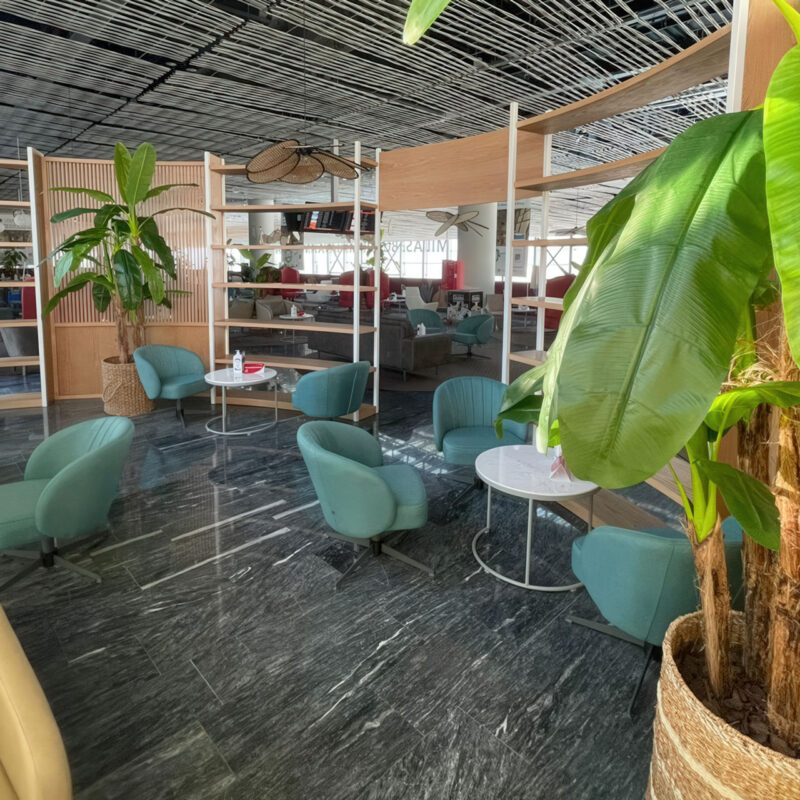
The Result: Gemini identifies the veining in your PNG and wraps it realistically around 3D geometry, calculating reflections on the “polished” surface.
2. The Chef’s Kitchen
Marble is a staple for islands and backsplashes.
-
The Action: Upload the PNG and prompt: “Create a modern minimalist kitchen. Use this marble for a waterfall island and matching backsplash. Complement with matte black cabinetry and integrated appliances.”
-
The Result: The AI scales the texture to fit the large surface area of the island while maintaining the natural flow of the marble grain.
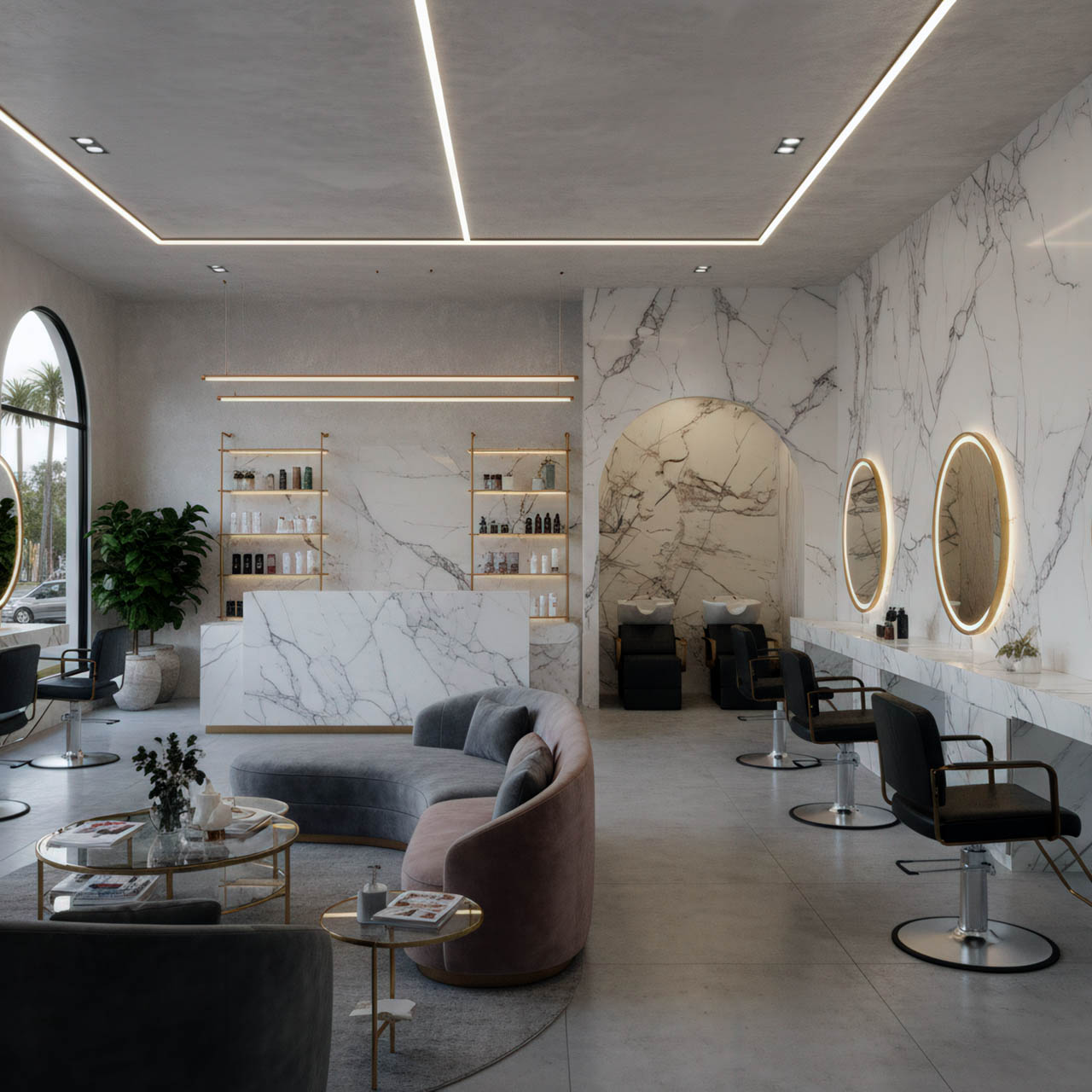
3. Commercial & Hospitality Projects
For hotel lobbies or high-end retail, the scale of the marble is crucial.
-
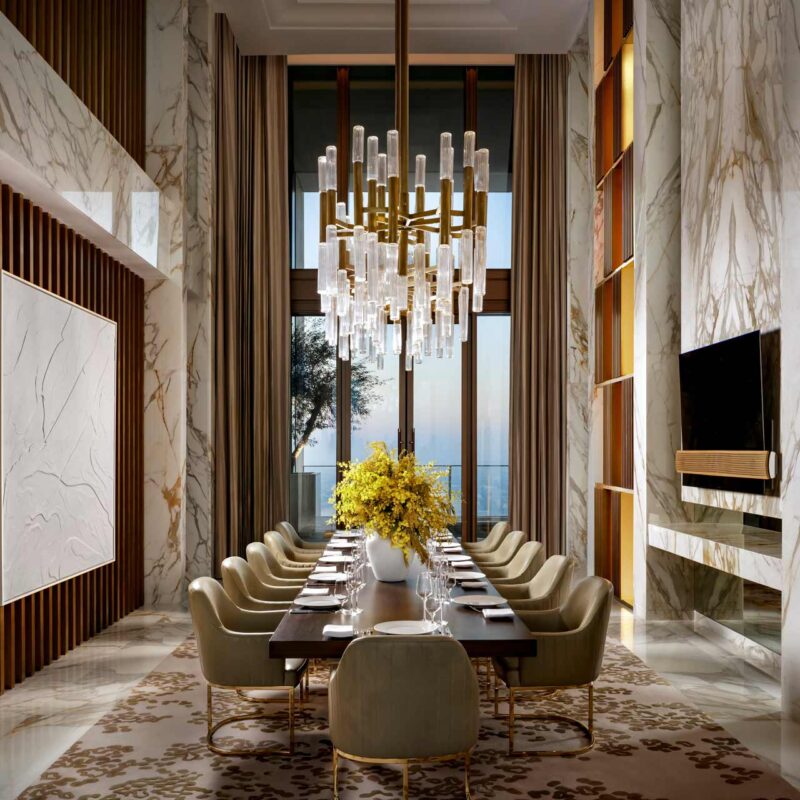
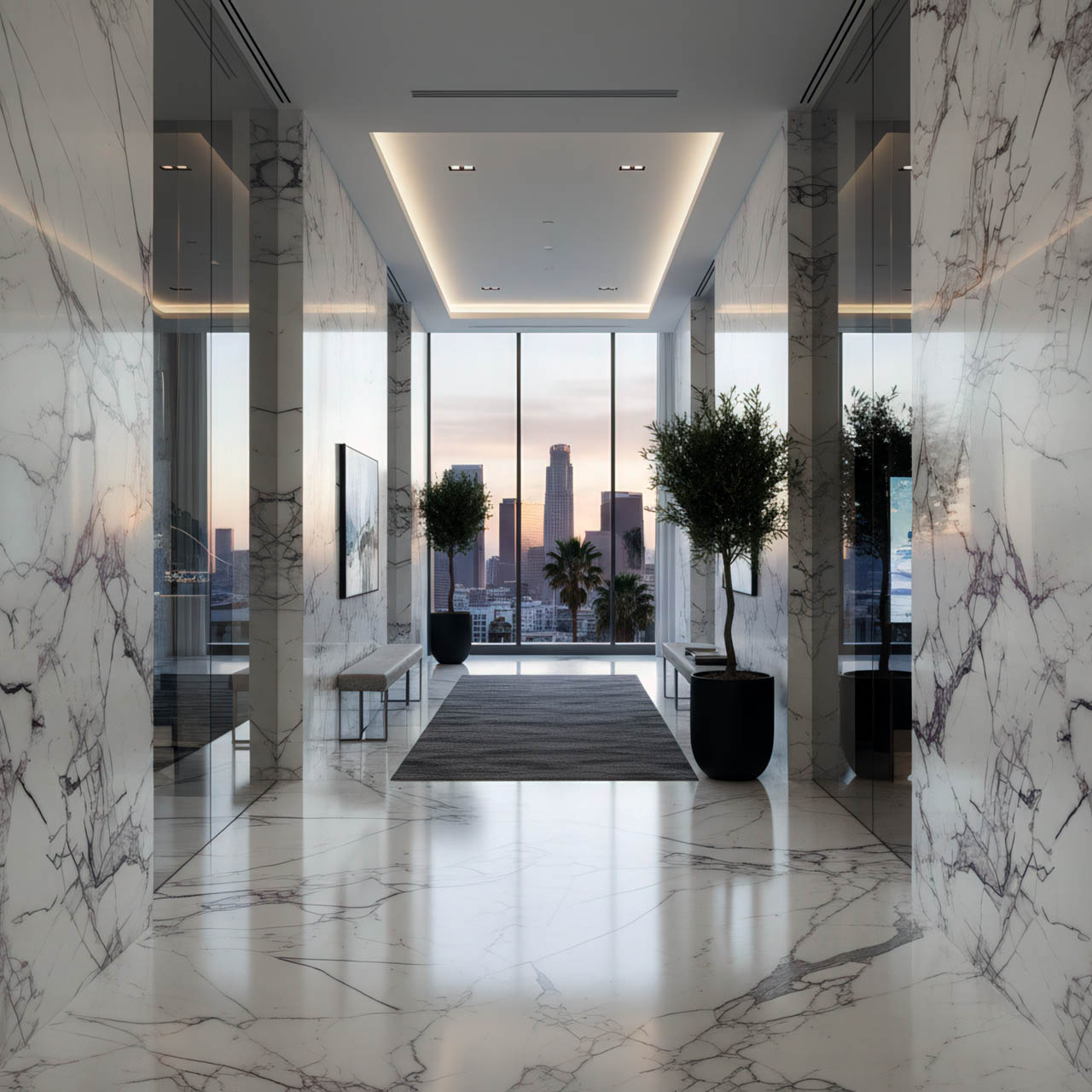
The Action: Upload the PNG and prompt: “Design a high-end hotel lobby. Use this marble for seamless floor tiling and a massive feature wall behind the reception desk. Add floor-to-ceiling windows with city views.”
-
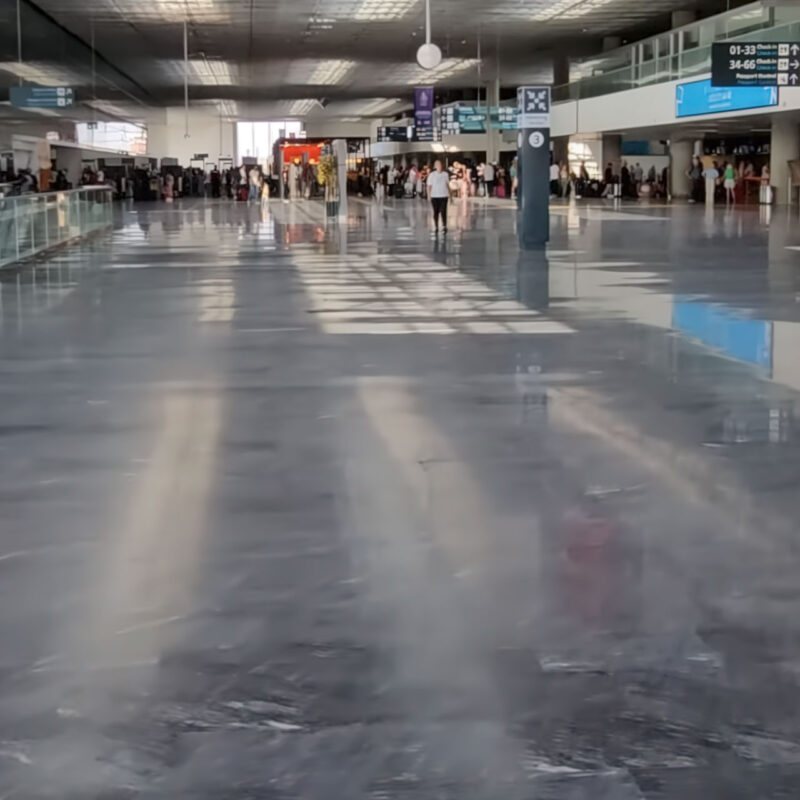
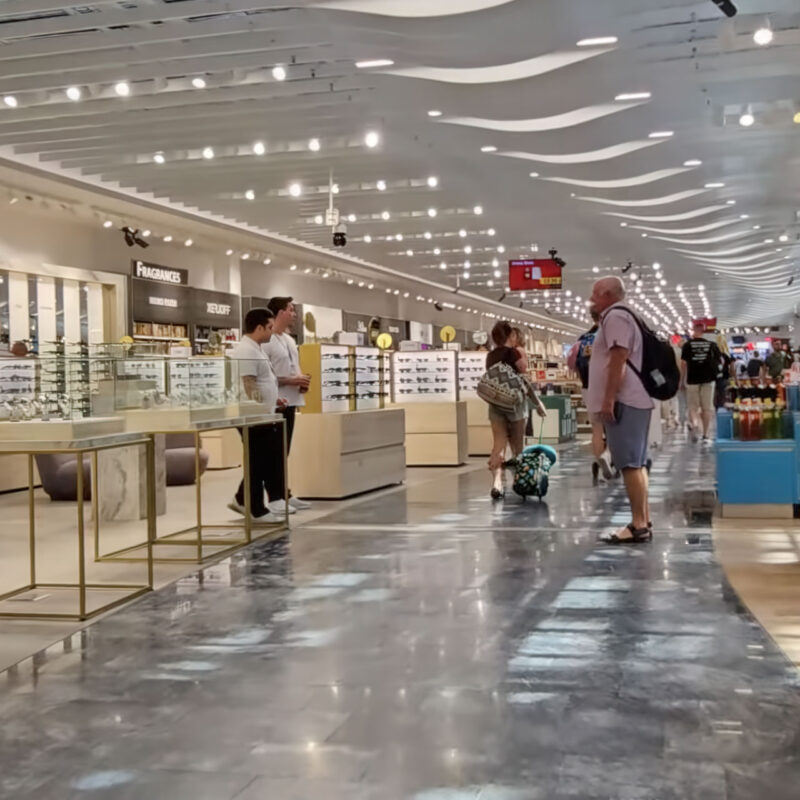
The Result: Gemini handles the “tiling” effect, ensuring the PNG texture repeats or book-matches naturally across a large commercial floor.
Phase 3: Technical Tips for 1-Second Success
| Feature | Best Practice |
| Texture Lighting | Use PNGs with “flat” lighting so Gemini can apply its own global illumination. |
| Vein Matching | In your prompt, specify “book-matched” if you want the marble patterns to mirror each other. |
| Aspect Ratio | For living rooms, ask for --ar 16:9; for bathrooms/commercial entries, try --ar 9:16. |
Why “One-Touch”?
The power of Google Gemini lies in its World Model integration. Unlike traditional rendering where you must manually build walls, apply UV maps, and set up lights, Gemini’s “One-Touch” approach treats the marble PNG as a “seed.” It understands that marble implies luxury, weight, and reflectivity, and it automatically builds the rest of the room’s atmosphere to match that aesthetic.
Pro Tip: If the initial result isn’t perfect, use the “Redo with Pro” feature to enhance the lighting and material depth for client-ready presentations.
Google Gemini in Architecture: 1-Second Project – One-Touch Gemini – A Guide to Designing Bathroom, Kitchen, Living Room, and Commercial Projects Using Marble PNG Texture